
Hawkins County Court Calendars Explained
Hawkins County offers no single calendar. You cannot filter by date, attorney, courtroom, or case number. Start instead with the paper notice or the citation. The last order entered in the case works too. Circuit and General Sessions matters sometimes show up in the county case portal. General Sessions says its own office builds the docket and sets dates. Chancery posts its available dates separately.
Municipal courts run their own schedules too. Mount Carmel, for instance, holds Municipal Court on the first Wednesday of each month. The start time is 8:30 a.m. That schedule says nothing about another city's court, a county matter, or a Chancery case. Whatever the setting, match it back to the court that issued it.
Is There a Hawkins Calendar?
There is no single countywide calendar. Hawkins County Chancery publishes hearing dates and instructions, while the General Sessions Judge's office sets its own docket. The public county portal works as a case search, not as a live hearing feed.
Best practice: Treat an online date as a lead. The court office or clerk remains the confirmation route for the current setting.
A filed notice and an entered order are not the same thing. The clerk's stamp proves receipt, nothing more; it does not show that the judge granted a request or changed the calendar.
Finding Your Hawkins Court Date
Gather the court name, the case or citation number, and your latest notice first. Use Hawkins County Online Court Records only when Circuit Court or General Sessions matches and the case type fits. You can search by party name, by the original case year, or by the final numeric segment of a formatted case number.
- Read the court, date, and identifier on the latest notice.
- Search the county portal if it covers that court, or use posted Chancery dates.
- Call the proper clerk or court office for current status.
- Check any courthouse posting or daily docket the office identifies.
- Ask counsel, if represented, and confirm time, room, judge, and appearance method.
A phone call settles most questions quickly. The Circuit Court Clerk answers at 423-272-3397 or 423-272-4517. General Sessions is 423-272-3300, option 3, and the Clerk & Master handles Chancery at 423-272-8150. The county offers no text or email reminder service.
For a visit, the Circuit Clerk's Rogersville office sits at 115 Justice Center Drive, Suite 1237, with published weekday hours of 8:00 to 11:45 a.m. and 1:00 to 4:00 p.m. General Sessions occupies Suite 1222. Its weekday hours run 8:00 a.m. to 4:00 p.m. Chancery works from a separate office at 100 East Main Street, Suite 316. Confirm hours before you travel, and ask whether a current courtroom posting is available.
Hawkins Chancery Court Dates
Chancery starts its docket at 10:00 a.m. on the listed dates. It holds no docket soundings. A sounding is a calendar call to check a case's status or readiness. Without one, do not assume any walk-in call list exists for your matter.
To get a Chancery hearing, pick a listed date. Then send a Notice of Hearing or a letter to the Clerk & Master. Chancellor Douglas T. Jenkins hears motions and hearings on the published dates. Jury trials and multi-day trials take arrangement with the Chancellor's office and confirmation afterward.
The published date is only part of a valid setting. The party must follow the notice route. Give proper notice or service. Later, verify the matter is still set. Picking a date off the list does not convert a proposed filing into an entered court order. A motion may need more than a normal slot. Contact the Chancellor's office before treating the date as firm.
How to Read a Court Setting
A setting is simply a scheduled event. It might be an arraignment, a motion hearing, a status conference, a pretrial event, a plea, or a trial. Read every field of the entry together, because a date without its court and event type can send you to the wrong room or plant the false idea that a trial date has arrived.
| Date | The current scheduled day, subject to a later order. |
|---|---|
| Time | The session or individual time; Chancery lists 10:00 a.m. |
| Courtroom | The room and building confirmed by the office. |
| Judge | The assigned judicial officer, not a guess from a roster. |
| Setting type | The purpose, such as motion, status, plea, or trial. |
Hawkins Court Setting Terms
Local calendar words carry distinct meanings. The latest entered order always controls over an old notice. Hawkins County publishes no universal calendar code list, so ask the clerk when a label is unclear.
- Setting
- A scheduled court event.
- Continuance
- A court-approved move to a later date.
- Reset
- The new date assigned after a setting moves.
- Docket sounding
- A calendar call; Hawkins Chancery says it does not use one.
- Entered order
- A signed judicial act marked entered by the clerk.
The words "moot" or "settled" on a request form may explain why a change is being sought. Neither term replaces checking the actual court-use result and docket entry.
A setting's type matters as much as its date. A status conference checks progress. A motion hearing addresses a request. A pretrial setting manages the work before trial. An arraignment deals with a criminal charge and the plea process. Labeling all of these simply "court" in your notes strips away the event's purpose.
Continuances, Resets, and Cancellations
Under the Third Judicial District's 2025 local rules, moving a Hawkins County court date takes a court order, not a private handshake between lawyers. Good cause must be shown. Court leave is required. When both sides agree, the Request to Continue goes to the judicial assistant by email; a contested request instead needs a Motion to Continue plus a conference call. Whatever happens, the form captures it: granted, granted over objection, denied so the case stays set, or resolved some other way.
No Hawkins County case drops off the docket without a date-certain reset unless it settles. So confirm the new date once the judge acts. Poor service, missing notice, a settlement, or a moot motion can all explain why someone asked for more time. None alone proves the hearing was cancelled.
Hawkins Court Date Continuance Form
Hawkins County's Request to Continue form doubles as a checklist. It shows what the calendar record holds. You supply the current hearing date. Note who is asking, and whether the other side agrees or objects. It also covers service or notice status, the reason, and a proposed reset date. Court-use boxes record the outcome and leave space for the judge's signature and date.
| Path | Action | Proof to check |
|---|---|---|
| Agreed | Email the RTC to the judicial assistant | Granted result and reset date |
| Contested | File motion and arrange conference call | Judge's ruling |
| Settled | Use the court's closing route | Entered order |
Handing in the form does not mean the court granted the continuance, so keep showing up on the old date until the clerk or judge confirms the reset.
If You Miss a Court Setting
Handing in the form does not mean the continuance was granted, so keep showing up for the old date until the Hawkins County court confirms the change.
Do not guess at the result. Hawkins County publishes no single consequence for every missed setting.
The judge's order and responsible clerk provide the case-specific answer.
Seek legal advice when a missed setting may affect your rights.
Missing a civil setting can bring a default or similar order. Criminal and traffic cases follow a different process. Whatever happened, only the court record shows it. Pull the docket or call the clerk. If the setting was in a city court, call that municipal office. Skip the county clerk.
Remote Hawkins Court Settings
Tennessee Supreme Court Rule 55 lets the court allow remote technology at its discretion. That discretion is all it grants. The rule sets statewide authority for virtual hearings, but it creates no standing Hawkins link and does not make every setting virtual.
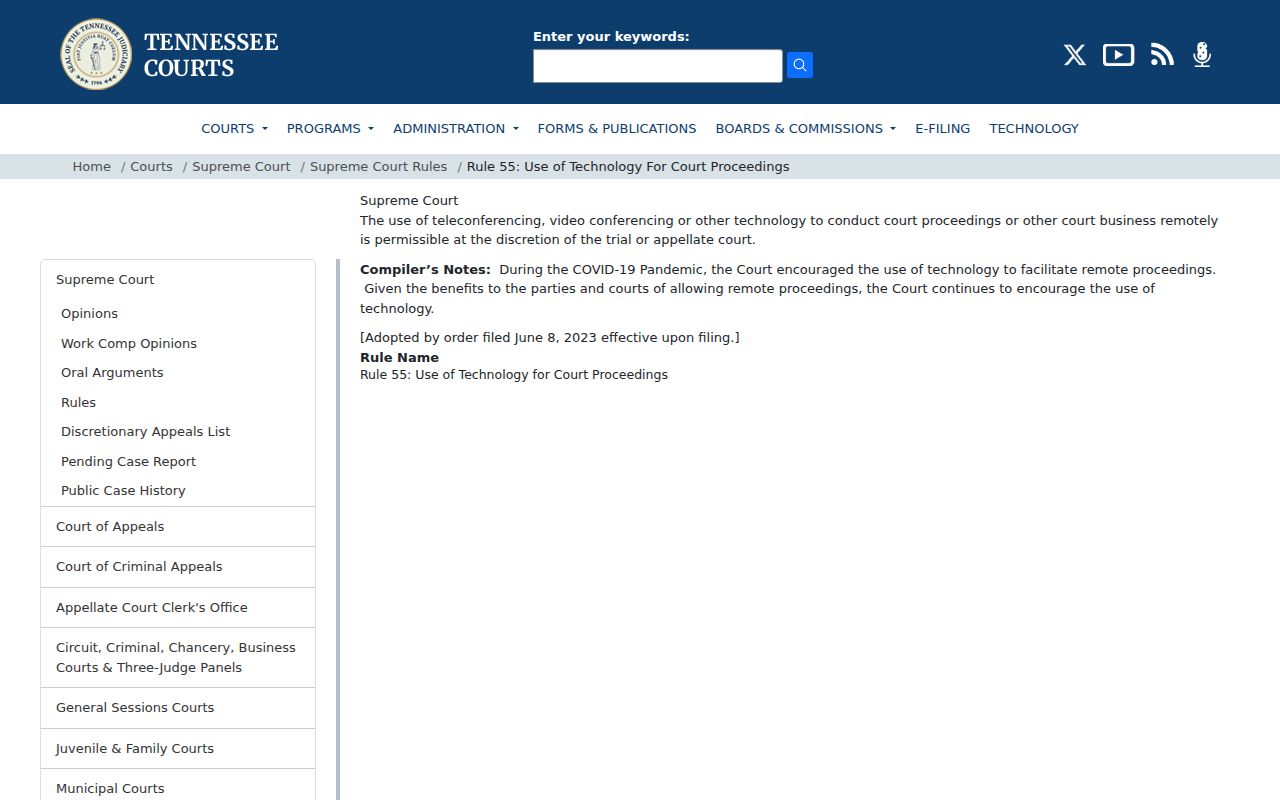
Before a Hawkins County hearing, confirm whether it is in person or remote, and get the details for joining: the link, the time to connect, and how exhibits should be delivered. An old meeting link is never safe to reuse without checking first.
Greeneville Bankruptcy Motion Calendars
Bankruptcy is a separate system. The Bankruptcy Court's Greeneville calendar covers federal bankruptcy matters only. Hawkins County state cases never appear there. Motion calendars usually post at least two business days before a hearing. The page is not updated afterward, the court warns, and PACER carries the final docket.
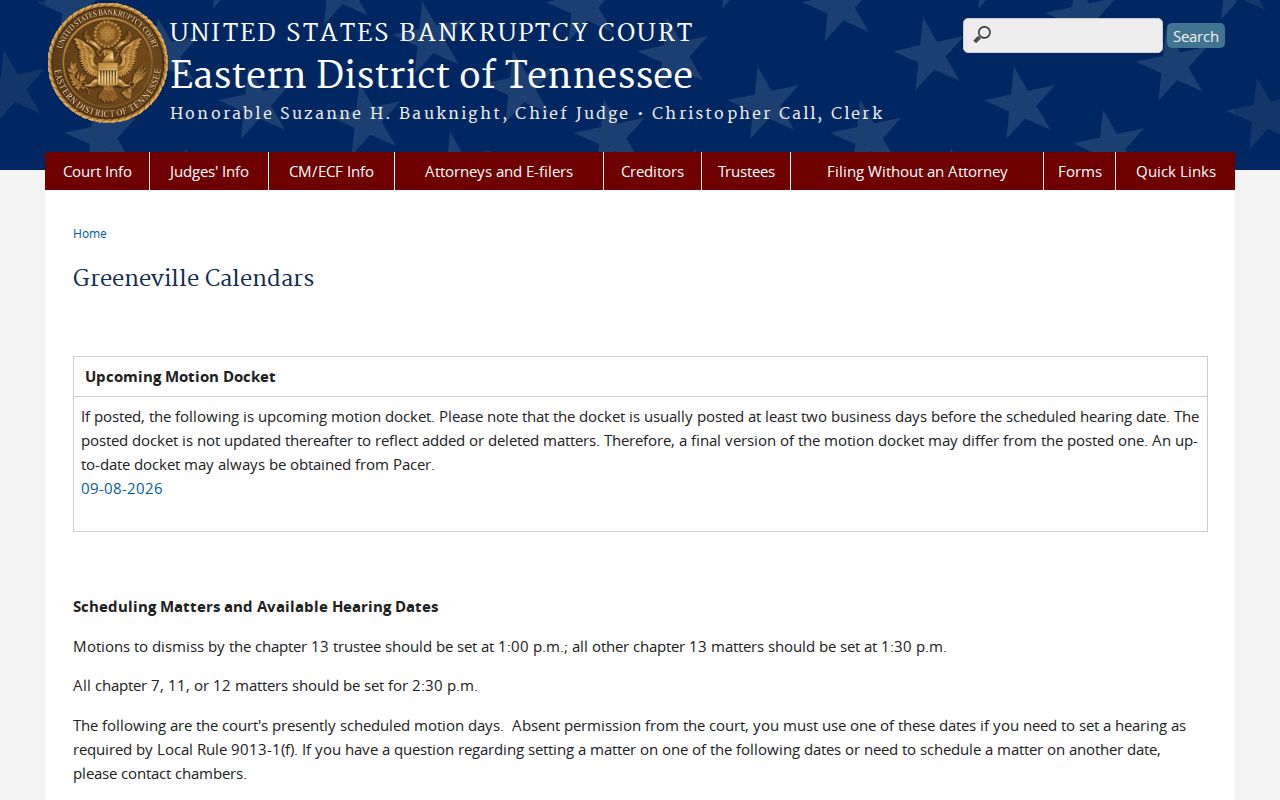
The posted categories are set by chapter. Chapter 13 trustee matters start at 1:00 p.m., other Chapter 13 matters at 1:30 p.m., and Chapter 7, 11, or 12 matters at 2:30 p.m. Verify any federal setting through PACER or the bankruptcy clerk at 423-787-0113.